> ## Documentation Index
> Fetch the complete documentation index at: https://docs.almond.bot/llms.txt
> Use this file to discover all available pages before exploring further.
# Almond Axol
> Command-line interface and Python SDK for the Almond Axol dual-arm robot.
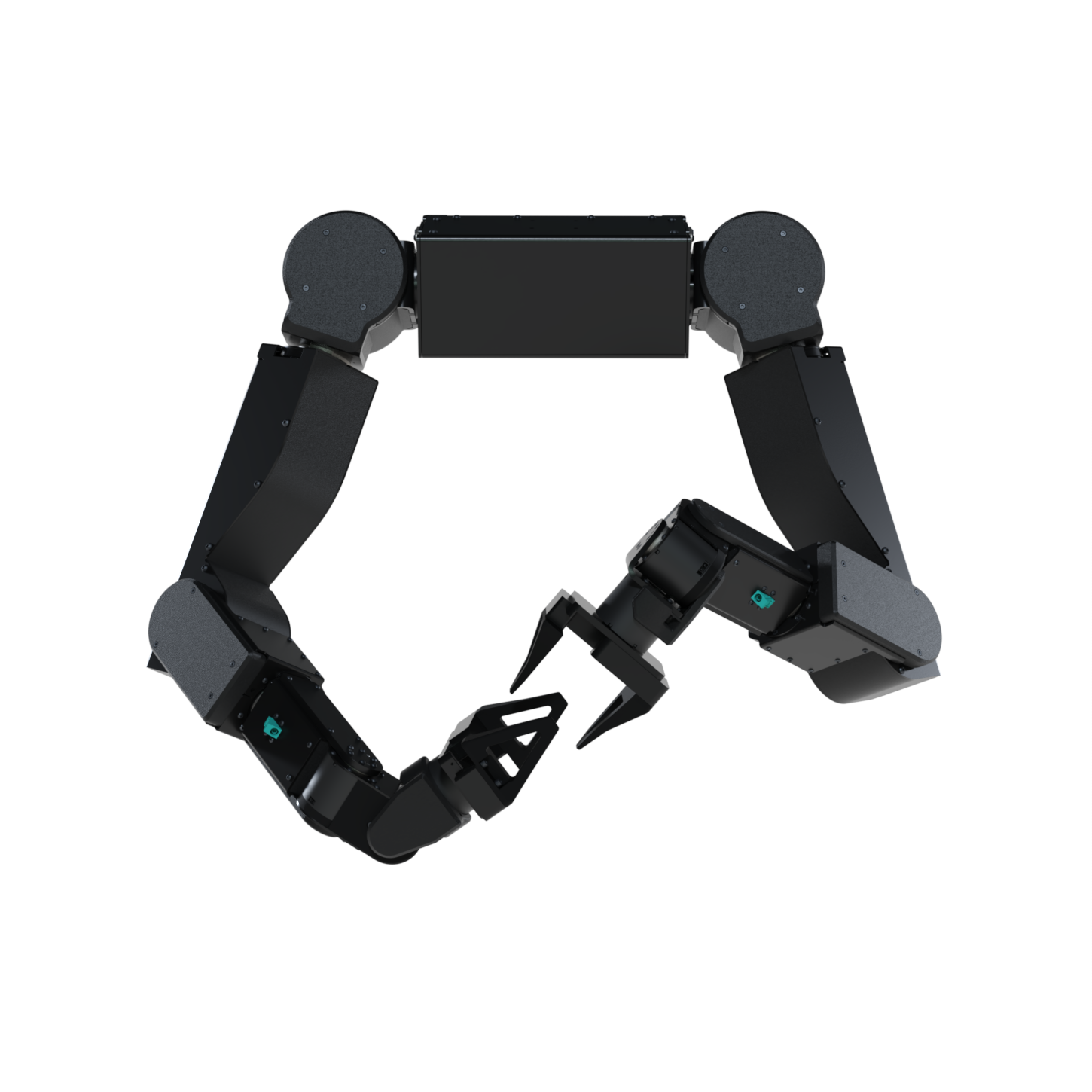 The Axol SDK runs the Almond Axol dual-arm robot. Every core operation — **teleoperation**, **gravity compensation**, **data collection**, **dataset replay**, and **policy inference** — can be driven two ways: from the **web control panel** in a browser, or from the **`axol` CLI** in a terminal. Each operation page below shows both.
**New here?** [Install in one command](/installation), then head to [Teleoperation](/operations/teleop) to drive the robot from a VR headset.
## Operations
Each page covers the same task from the **Control Panel** and the **CLI** — pick the tab you prefer.
Drive the robot live from a VR headset (or in sim, no hardware).
Hold the arms weightless so you can move them by hand.
Record teleoperation episodes to a LeRobot dataset.
Play a recorded dataset episode back onto the arms.
Run a trained policy autonomously — locally or on a remote server.
## Explore
The one-command install that sets up the robot machine and the web control panel.
Drive the robot over the internet — sideload Tailscale on a Meta Quest.
Drive Axol from a browser with `axol serve` — no terminal required.
The in-repo WebXR app that streams Quest pose to the SDK.
Every `axol` command, flag, and example — one page per command.
`Axol`, `KinematicsSolver`, `VRTeleop`, and the LeRobot wrappers.
The Axol SDK runs the Almond Axol dual-arm robot. Every core operation — **teleoperation**, **gravity compensation**, **data collection**, **dataset replay**, and **policy inference** — can be driven two ways: from the **web control panel** in a browser, or from the **`axol` CLI** in a terminal. Each operation page below shows both.
**New here?** [Install in one command](/installation), then head to [Teleoperation](/operations/teleop) to drive the robot from a VR headset.
## Operations
Each page covers the same task from the **Control Panel** and the **CLI** — pick the tab you prefer.
Drive the robot live from a VR headset (or in sim, no hardware).
Hold the arms weightless so you can move them by hand.
Record teleoperation episodes to a LeRobot dataset.
Play a recorded dataset episode back onto the arms.
Run a trained policy autonomously — locally or on a remote server.
## Explore
The one-command install that sets up the robot machine and the web control panel.
Drive the robot over the internet — sideload Tailscale on a Meta Quest.
Drive Axol from a browser with `axol serve` — no terminal required.
The in-repo WebXR app that streams Quest pose to the SDK.
Every `axol` command, flag, and example — one page per command.
`Axol`, `KinematicsSolver`, `VRTeleop`, and the LeRobot wrappers.